6. Challenge: timed and scored
Challenge turns a puzzle into a game against the clock. You earn points, and the game keeps your best results on your phone.
Start a Challenge
On the New game screen choose a level, tap Challenge, then Start. A Challenge begins with all the helpers off, so it is scored unless you decide otherwise.
The clock and the counts
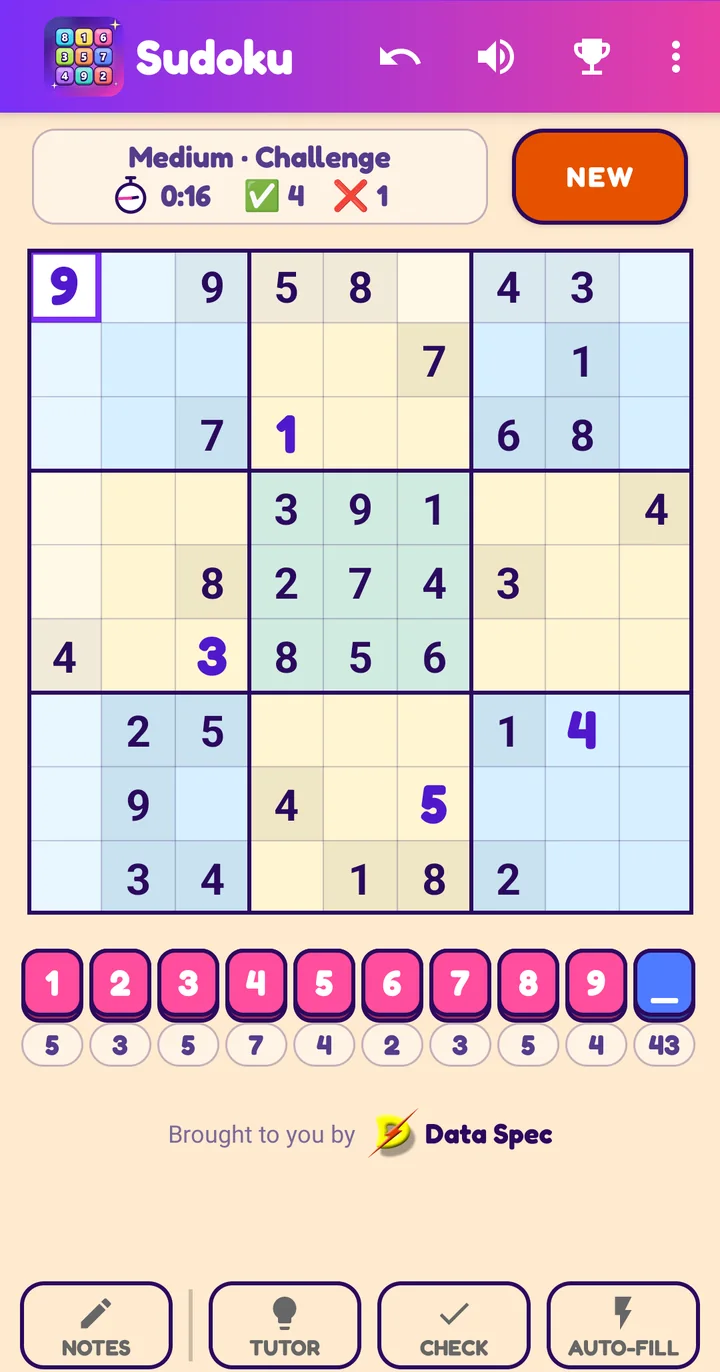
The status box beside NEW now has a second line:
- a stopwatch with moving hands: it shows at a glance that time is running (the hands turn faster than a real clock, only to be easy to see);
- the time (minutes and seconds);
- a green tick and the number of correct moves;
- a red cross and the number of mistakes.
A value that is still zero shows a dash (-), so a fresh game reads -, tick -, cross -.
The clock starts at your first move, so you can study the puzzle first. It pauses if you leave the app and stops when you solve the puzzle. Undo does not rewind it.
A move is a new number placed in a cell. A wrong number counts as a mistake even when Check is off; any other counts as a correct move. Undo does not take either count back.

How the score works
Your score is the points for the level, plus a bonus for speed, minus 100 for every mistake.
| Level | Points | Speed bonus |
|---|---|---|
| Easy | 1000 | up to 500, falling to 0 at 10 minutes |
| Medium | 2000 | up to 1000, falling to 0 at 20 minutes |
| Hard | 3000 | up to 1500, falling to 0 at 30 minutes |
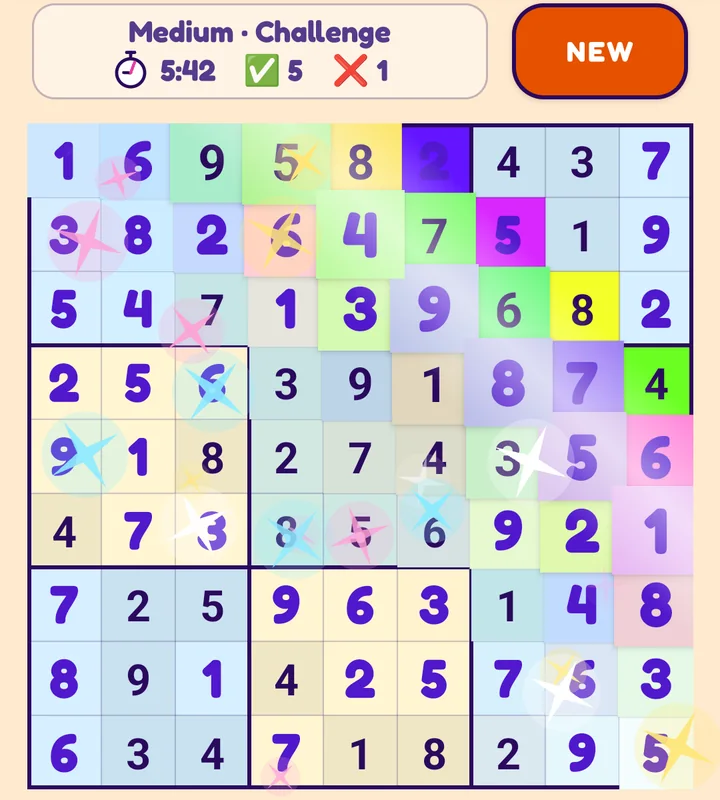
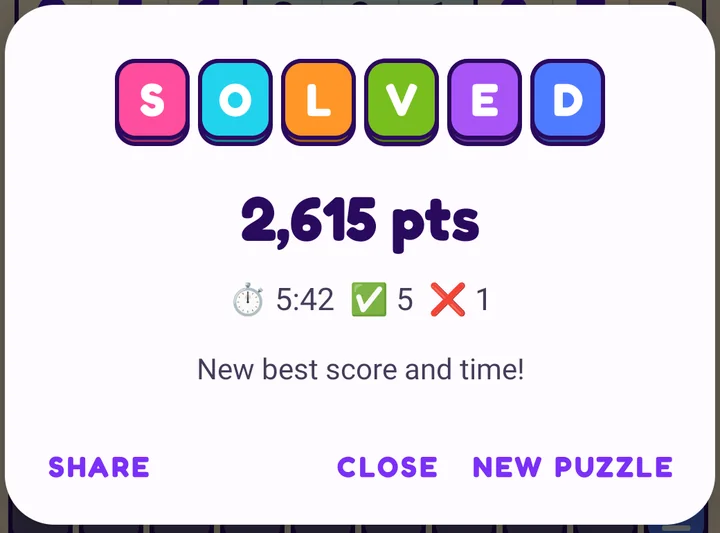
The bonus falls steadily as the clock runs. The score never goes below zero. For example, a Medium puzzle solved in 5:42 with one mistake scores 2000 + 715 - 100 = 2,615. The correct-move count is just for fun; it does not change the score.
Using a helper
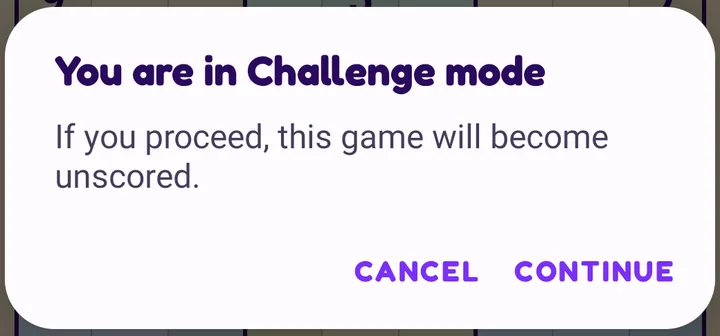
Tutor, Check and Auto-fill are allowed in a Challenge, but they make it an unscored game. So that it never happens by accident, the game asks first:
- Cancel leaves everything as it was and the game stays scored.
- Continue switches the helper on. You can still finish the puzzle, but there is no score and nothing is saved.
An unscored game says so in the status box.

Finishing
Fill the last cell correctly and the board lights up in a wave of random bright colours.
The Solved box then shows your points, the time, your correct moves and your mistakes. A line below tells you if you beat your records: New best score!, New best time!, or both. If you did not, it shows your previous bests.
- New puzzle goes back to the New game screen.
- Close leaves the finished board on screen.
- Share sends your result to a friend (below).
Best scores
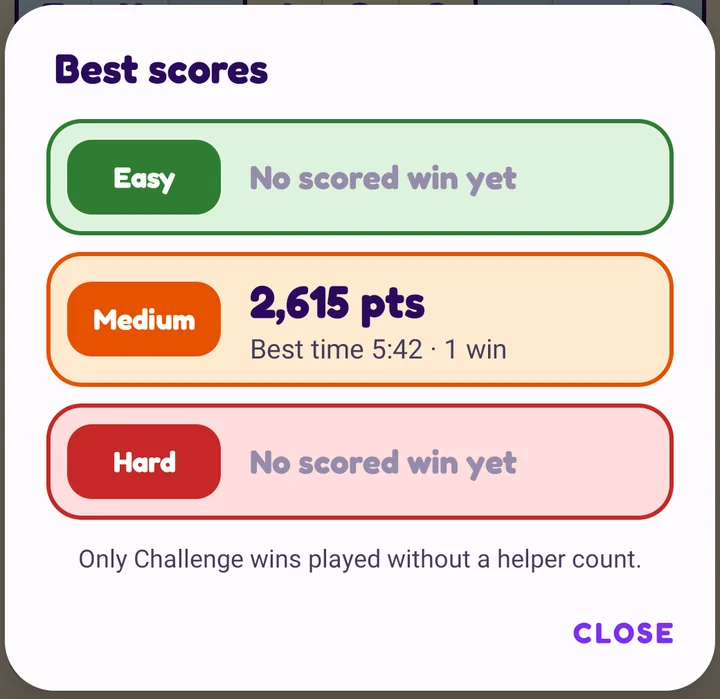
Tap the trophy in the title bar (or Best scores on the New game screen) to see your records. Each level has its own card with your best score, your best time and the number of scored wins. Only Challenge wins played without a helper count.
The results are kept on your phone only. They are never sent anywhere.
Share your result
Tap Share in the Solved box after a scored win. Your phone's share sheet opens with a ready-made message you can send to anyone:
Next: Questions and fixes