2. Starting a game
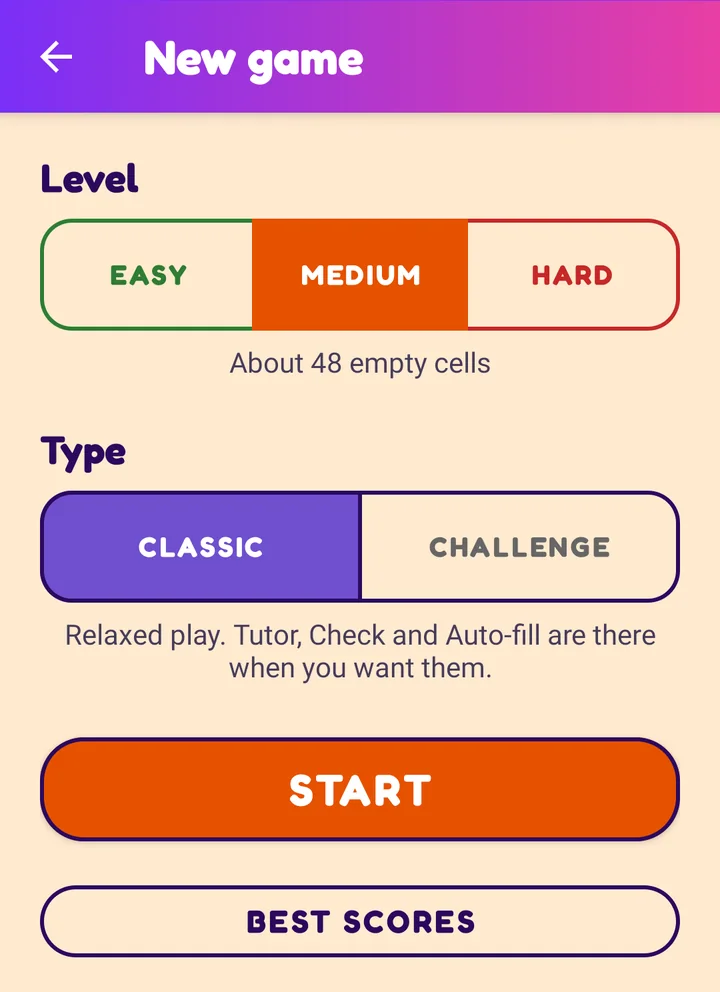
The game opens on the New game screen. You choose a level and a type, then tap Start.
The New game screen
Every time you open the app, and every time you tap NEW in the game, you arrive here. The screen has three parts:
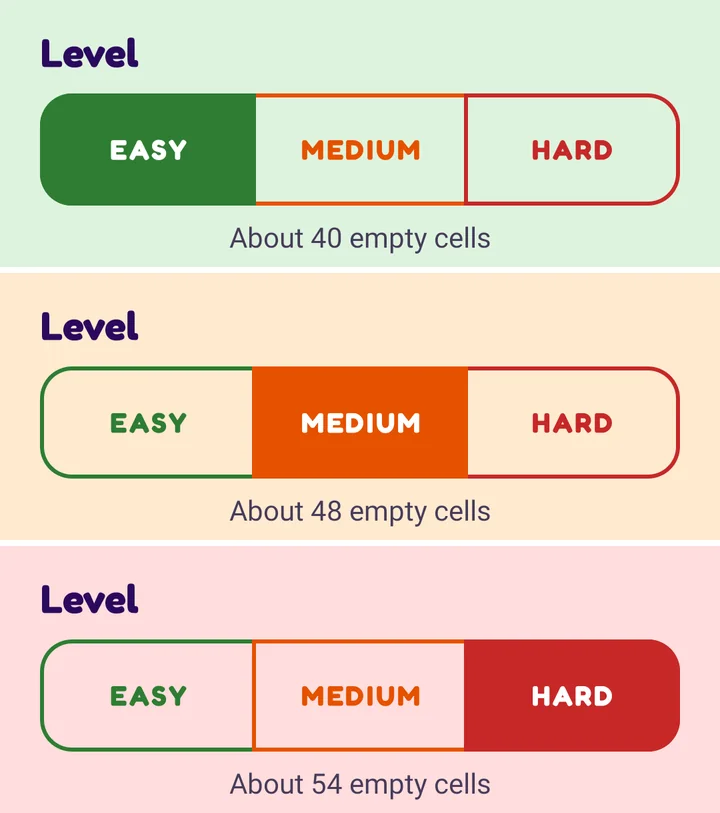
- Level. Easy, Medium or Hard. Harder levels give you fewer numbers to start with (about 40, 48 or 54 empty cells). The page colour follows your choice: green, orange or red.
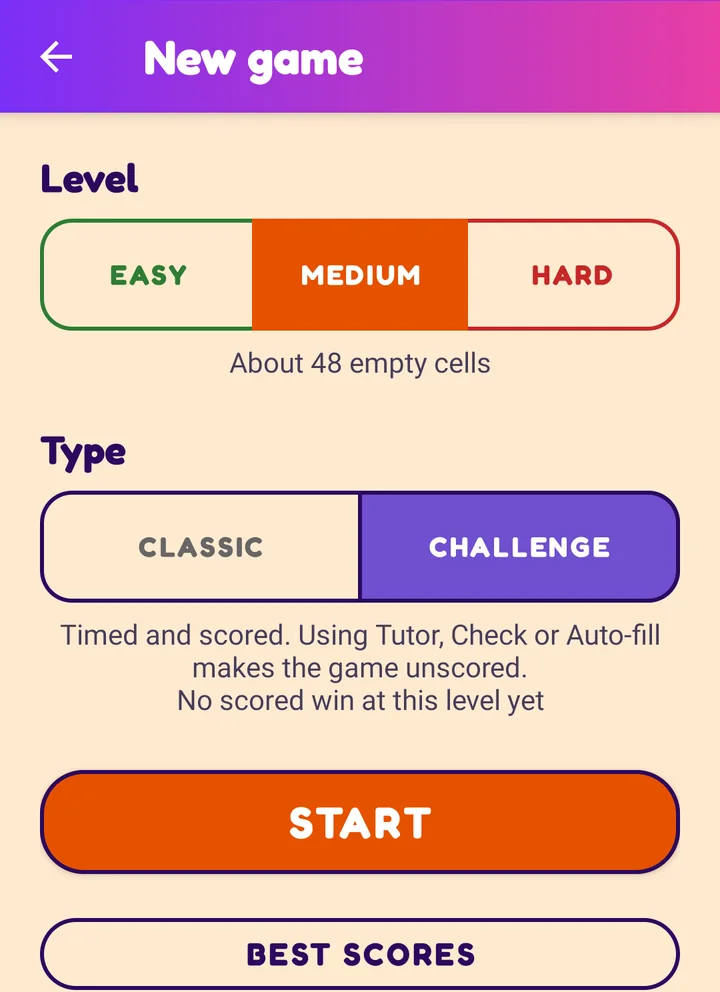
- Type. Classic is relaxed play with all the helpers. Challenge is timed and scored. Under the buttons a short note explains the type you picked.
- Start. Builds a fresh puzzle and takes you to the board.
The Best scores button shows your best Challenge results. This screen also shows one larger ad; the game screen has a small banner at the bottom.
Choosing a level
Tap Easy, Medium or Hard. The whole page changes colour so you can see which level you are on, and the note under the buttons tells you roughly how many cells start empty.
New to Sudoku? Start with Easy. Every puzzle, even Hard, has one solution that you can reach by logic.
Classic or Challenge?
You choose the type before you start. It cannot be changed in the middle of a game.
| Classic | Challenge | |
|---|---|---|
| Feel | Relaxed. Take all the time you like. | Timed and scored. |
| Helpers (Tutor, Check, Auto-fill) | Use them whenever you want. | Allowed, but the game asks first and then no longer counts for a score. |
| Results | None saved. | Score, time and best results kept on your phone. |
With Challenge chosen, the note under the buttons also shows your best result for the level you picked, so you know what to beat.
Starting another game
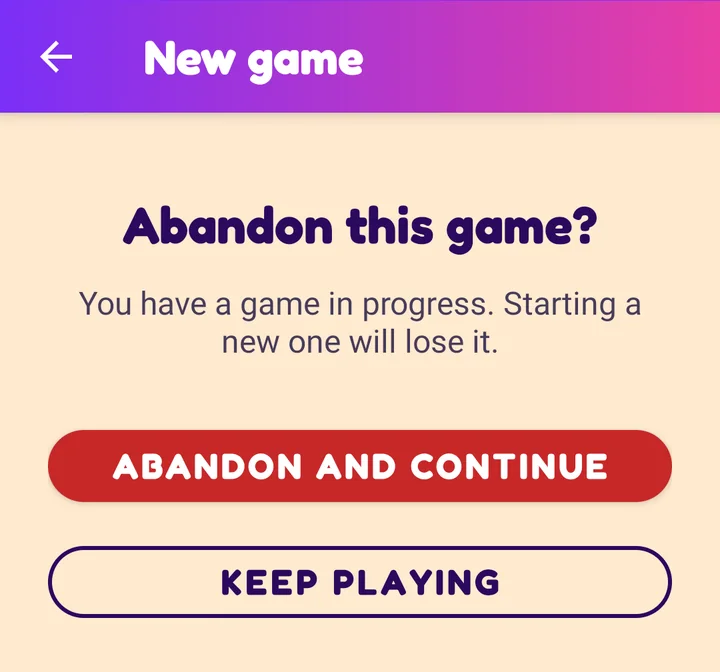
You can tap NEW at any time. If you have made moves and have not finished, the game first asks Abandon this game?
- Abandon and continue throws the current game away and moves on to the level and type choices.
- Keep playing (or the back arrow at the top) takes you back to your game, exactly as you left it.
If you have not started yet, or the puzzle is already solved, there is nothing to lose, so it goes straight to the choices.
Next: Playing a Classic game