
9. Credit and customers
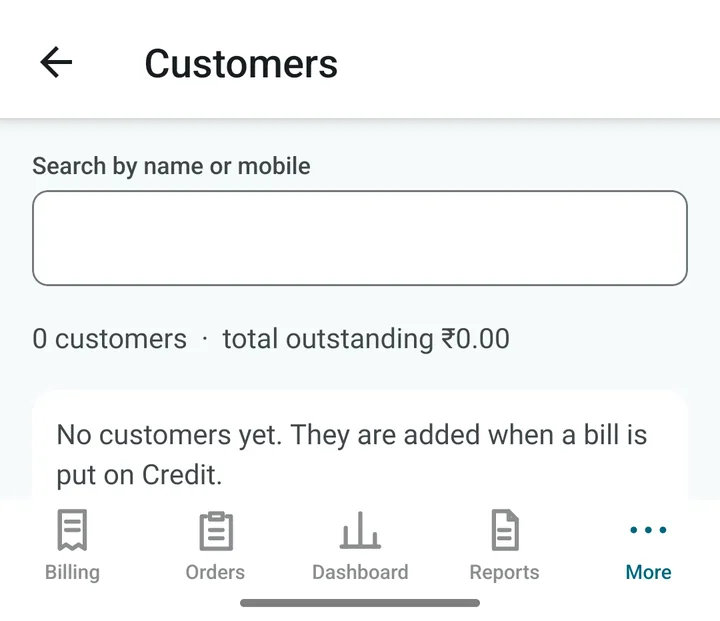
Some customers take food now and pay at month end. dsResto keeps count of who owes you how much.
Giving credit
- Make the bill as usual and tap Settle.
- Fill the Credit (pay later) row with the amount.
- Type the customer’s mobile number and name. If the number is already in the app, the name appears by itself.
- Tap Settle & Print.
Seeing who owes you
Open Reports and scroll to the end of the list: Customer ledger Owner PIN. (Dashboard also shows the total credit outstanding, and tapping it opens the same list.)
- Search a customer by name or mobile number.
- Open a customer to see every bill, every payment, and the amount still due.
- Statement (in the top bar) makes a PDF statement. WhatsApp (also in the top bar) sends it to the customer.
When the customer pays
- Open the customer and tap Receive payment.
- Type the amount and how it was paid (cash, UPI, card).
- The app puts the money against the oldest unpaid bill first. You see a preview before you confirm.
Tip. If a customer pays only part of what is due, that is fine. The balance stays on their account.